Table of Contents1. Introduction |
|
Introduction
You had a good month. Twenty new inquiries came in. Somehow, only three turned into actual sales. Where did the other seventeen go?
This is the question that sends most business owners searching for lead management software in the first place. Not because they read about it somewhere, but because they can feel leads slipping through their fingers and they can't quite explain why.
The honest answer is usually boring. It's rarely the product, the price, or the pitch. It's almost always a process problem - and process problems are exactly what a decent CRM for lead management was built to fix. Here are seven of the most common ones.
7 Problems Lead Management Software Can Solve
1. Leads Get Forgotten After the First Message
A customer messages you, you reply once, and then... nothing. Not because you don't care, but because you got busy and the conversation slipped down your inbox.
This is the single biggest leak in most small businesses. Without a system reminding you, a lead needs to live entirely in your memory - and memory is not a sales strategy. Lead follow up software fixes this by setting a reminder the moment a lead comes in, so nobody has to remember anything.
2. There's No Single Place to See Every Lead
Some leads come from your website. Others from a phone call, a WhatsApp message, or a walk-in. If each one lives in a different notebook or app, you don't actually have a lead list - you have five half-lists that don't talk to each other.
A proper lead management system pulls everything into one view. That alone tells you, at a glance, how many leads you're actually sitting on right now, not just the ones you happened to remember.
3. Facebook and Social Leads Get Lost in the Noise
If you run ads, you already know this problem well. A lead comes in through a Facebook form, drops into your inbox alongside fifty other notifications, and gets buried within an hour.
This is exactly why crm for facebook leads integration matters. When your ad platform connects directly to your lead system, every inquiry lands in your pipeline automatically instead of waiting to be noticed in a crowded notification feed.
4. Nobody Knows Who's Supposed to Follow Up
In a small team, this happens more than people admit. Two people assume the other one called the client back. Neither did. The lead goes cold, and nobody even realizes it happened until the customer buys from someone else.
Sales lead management tools solve this by assigning ownership. One lead, one clear owner, visible to the whole team. No more assuming.
5. You Can't Tell Which Leads Are Actually Worth Chasing
Not every inquiry is equal. Someone asking "what's your price" is closer to buying than someone who just liked your Instagram post. Treating them the same wastes time on the wrong leads while the serious ones wait.
This is where how to manage sales leads properly comes down to prioritization, not just tracking. A CRM that shows lead source, activity, and stage helps you spot who's actually ready to buy versus who's still just browsing.
6. Data Lives in Too Many Disconnected Tools
Your leads are in one app. Your billing is in another. Your team chats about customers on WhatsApp, which nobody can search later. By the time you want to check on a deal, you're hunting across three different places for one answer.
Lead tracking software that connects to your billing and invoicing removes this entirely. One lead, one record, one place to check - from first contact to paid invoice.
7. There's No Way to See What's Actually Working
Without tracking, you're guessing. Maybe referrals convert better than ads. Maybe half your leads come from one source you barely pay attention to. You can't know this without data, and you can't get good data without a system logging it automatically.
Sales lead tracking through a CRM answers this without extra effort. The system already knows where each lead came from and what happened to it - you just have to look.
Read also: CRM vs Excel: Which Is Better for Managing Leads?
So, How to Track Sales Leads the Right Way?
If you've recognized your business in even two or three of the problems above, the fix isn't more effort. It's a better system.
The best crm for lead management does a few things well: it captures leads from every source automatically, reminds you to follow up without being asked, and shows your whole team the same up-to-date picture. That's really it. No need for anything more complicated than that.
For businesses in India specifically, lead management software for small business should also handle billing and GST alongside leads, since most owners are managing both at the same time anyway, not one after the other.
How Insidash Fits Into This
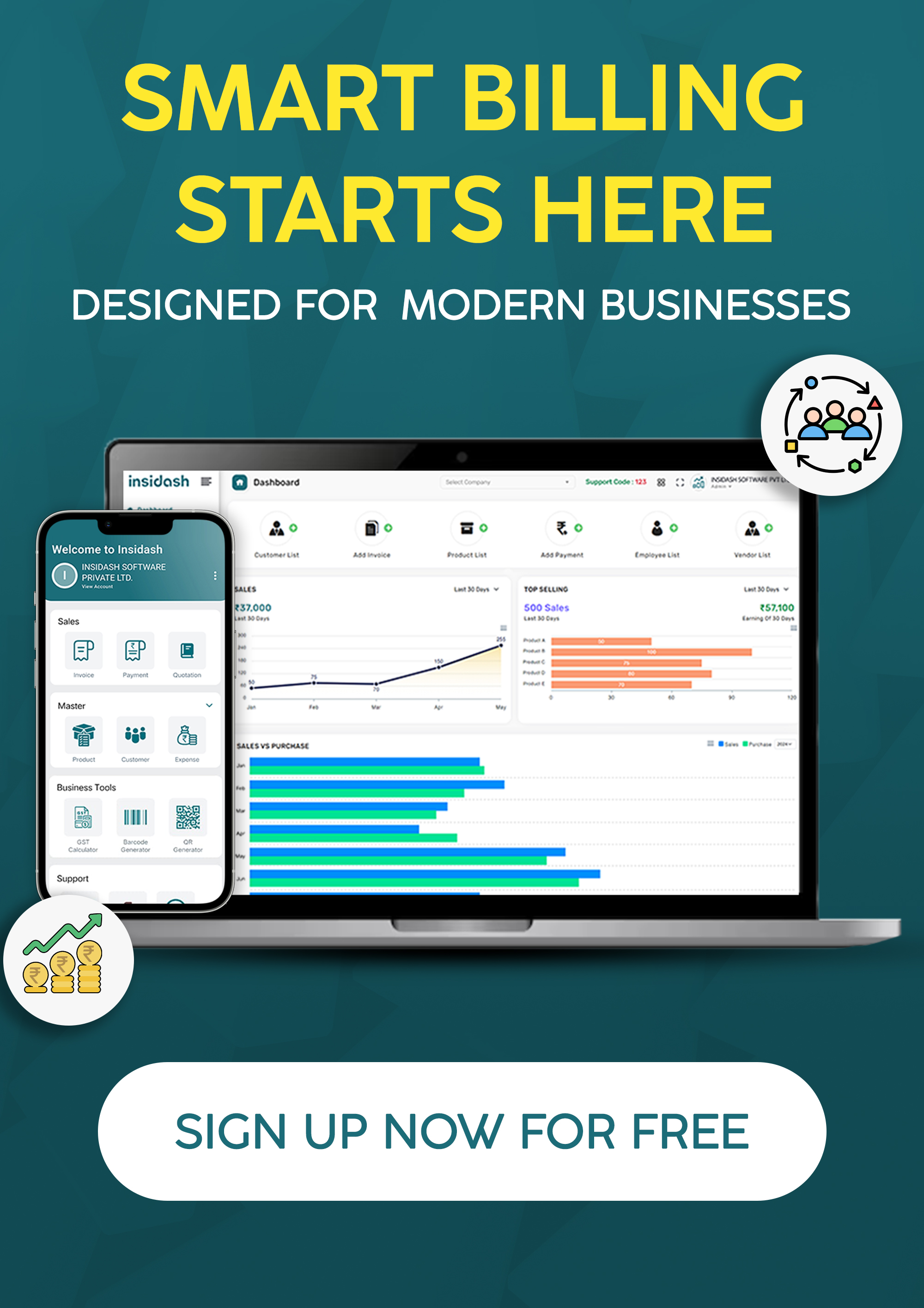
This is where Insidash comes in. It combines a built-in CRM with billing, invoicing, and GST tracking in one dashboard, so leads and payments live in the same system instead of two separate worlds.
Instead of chasing a lead in one app and an invoice in another, you follow the whole journey - inquiry, follow-up, close, payment - without switching screens even once.
Final Thoughts
Losing leads rarely comes down to one big mistake. It's usually a handful of small gaps - a missed follow-up here, a forgotten Facebook inquiry there - that add up over a few months without anyone noticing.
The right lead management software doesn't fix your sales pitch. It just makes sure every lead gets a fair shot at becoming a customer, instead of quietly disappearing.
If leads have been slipping through the cracks lately, book a free demo with Insidash and see how a connected CRM keeps every inquiry from falling off your radar.
Frequently Asked Questions
1. What is the best CRM for lead management?
The best CRM for lead management usually combines a clear pipeline view, automated follow-up reminders, and integration with your existing tools like billing or ad platforms. Insidash brings leads and invoicing together in one dashboard, which suits small businesses managing both at once.
2. Why do businesses lose sales leads even with a CRM?
Often because the CRM isn't actually being used consistently, or it doesn't connect to where leads come from, like Facebook ads or WhatsApp. A good lead management system should capture leads automatically, not rely on manual entry every time.
3. How do I track sales leads without a CRM?
Spreadsheets and notebooks can work for very low lead volumes. Past a few dozen leads a month, manual tracking usually breaks down because nothing reminds you to follow up or flags leads that have gone cold.
4. What's the difference between lead tracking software and a full CRM?
Lead tracking software usually focuses on capturing and organizing leads. A full CRM for lead management goes further, often adding follow-up automation, reporting, and sometimes billing or invoicing in the same system.
5. Is lead management software worth it for a small business?
Yes, especially once you're handling more than a handful of leads a month. The cost of one missed follow-up or one lost sale usually outweighs what lead management software for small business typically costs each month.