Table of Contents1. Introduction |
|
Introduction
Somewhere in your laptop right now, there's probably a spreadsheet called "Leads_Final_v3" or something close to it. It's got a few dozen rows, some highlighted in yellow because you meant to follow up, and one column that hasn't been updated since last month.
This is where the crm vs excel question usually starts. Not as a theoretical debate, but as a genuine "is this spreadsheet still working for me?" moment.
Both tools can track leads. Only one of them was actually built for it. Let's get into why that matters.
Why Excel Feels Like the Obvious Choice at First
Nobody sets out to build a lead-tracking system in Excel on purpose. It just happens. You already have the software, you know how to make a column, and a spreadsheet costs nothing extra. For a business with five or ten leads a month, that's more than enough.
Excel lead tracking works fine at this stage because the volume is low and one person usually owns the whole process. There's no real coordination problem yet, because there's barely a team to coordinate.
The trouble starts later.
Where Excel Starts Falling Apart
Once your lead count climbs past a few dozen, spreadsheets stop being a shortcut and start being a liability.
Nothing reminds you to follow up. You can color-code a cell all day, but the sheet won't ping you when a lead has gone quiet for a week. That job falls entirely on your memory, and memory isn't a system.
Multiple people editing the same file gets messy fast, too. Someone overwrites a note. Someone else opens an outdated copy from their downloads folder. Now two team members think they're the one who's supposed to call the client back.
There's also no real pipeline view. A spreadsheet shows you rows and columns, not stages. You can't glance at it and instantly see how many leads are stuck at "quote sent" versus how many just came in. You'd have to filter, sort, and squint - every single time.
And reporting? Forget automatic insights. If you want to know your conversion rate from last quarter, you're building a pivot table from scratch, assuming the data was entered consistently enough to trust in the first place.
What a CRM Actually Solves
This is exactly the gap that lead management software was built to close. A CRM for lead management does the boring, repetitive parts of the job automatically, so you don't have to hold it all in your head.
Take follow-ups. Set a reminder once when a lead comes in, and the system nudges you at the right time - no sticky notes, no relying on memory. That single feature alone tends to prevent more lost deals than any sales trick.
A proper pipeline view matters too. Instead of scrolling through rows, you see leads sorted by stage: new, contacted, quote sent, closed. One glance tells you exactly where things stand and where they're stuck.
Team visibility improves as well. Everyone sees the same updated notes in real time. No more "wait, did you already call them?" conversations that waste ten minutes for no reason.
And the data stays usable. Most crm software logs activity automatically, so when you want a report, it's already there instead of something you have to build from scratch every time someone asks for numbers.
Excel vs CRM: A Fair Comparison
Let's be fair to Excel here, because it's not a bad tool - it's just the wrong tool past a certain point.
Excel wins on cost and simplicity for very early-stage businesses. If you're testing an idea with three potential customers, a spreadsheet is genuinely enough. No need to overthink it.
A CRM wins the moment coordination becomes a factor. Once you have a team, a growing lead count, or customers who expect a fast, consistent response, spreadsheets can't keep pace. This is the real answer to the excel vs crm question: it's not about which tool is objectively better, it's about which stage of business you're actually in.
Signs You've Outgrown Your Spreadsheet
A few signs tend to show up before people admit they need to switch.
You've lost a lead because nobody followed up in time - and it wasn't the first time it happened. You're maintaining more than one version of the same sheet, and you're not entirely sure which one is current. Or you've caught yourself manually copying data between your spreadsheet and your billing software, twice a week, just to keep things in sync.
If even one of these sounds familiar, that's usually the point where lead tracking software starts paying for itself.
How Insidash Handles This
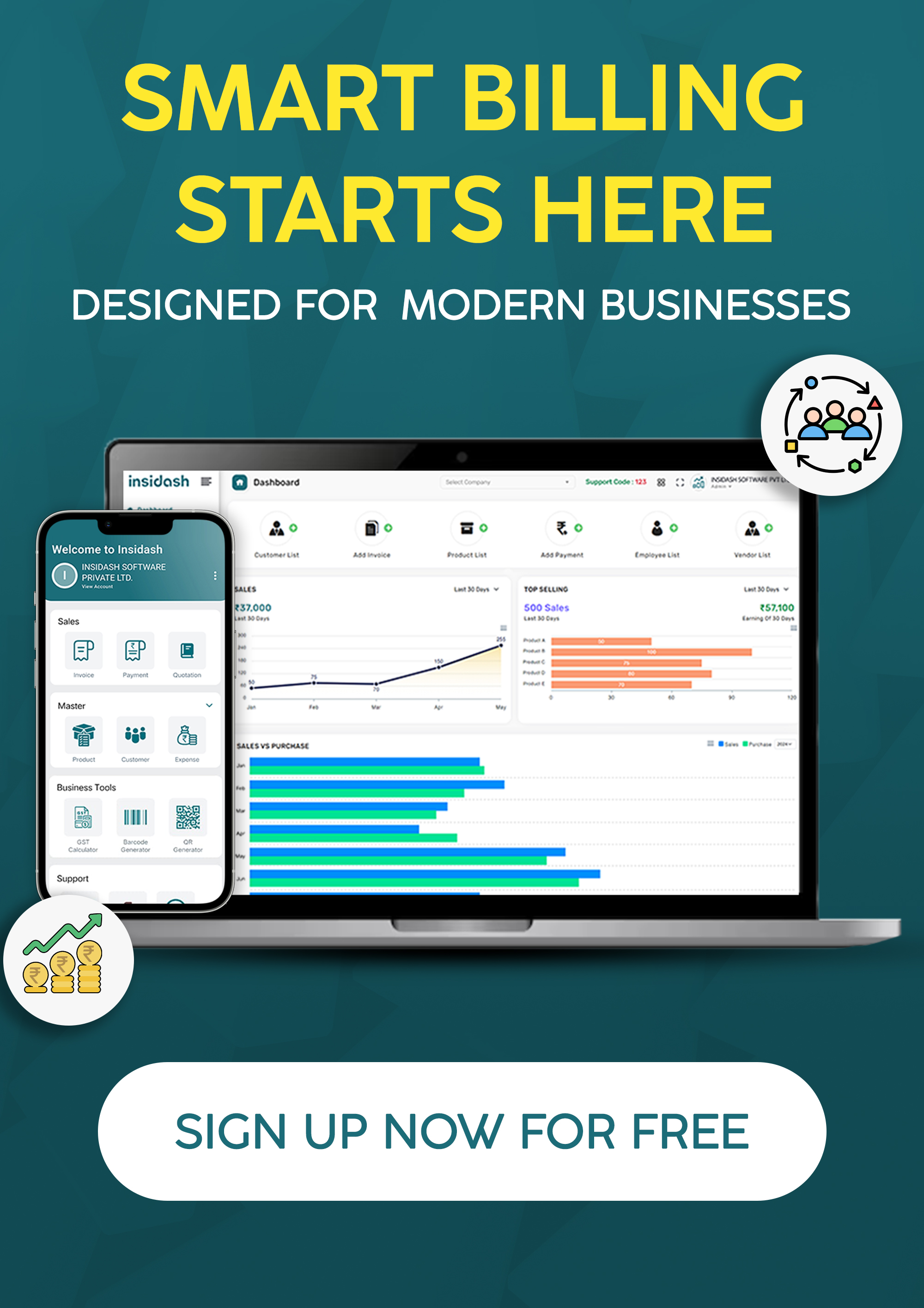
This is where a tool like Insidash comes in. It combines a built-in CRM with billing, invoicing, and GST tracking in one dashboard, so leads don't sit in a separate file from your actual sales and payment data.
Instead of switching between a spreadsheet, an invoicing app, and a messaging thread, you follow one lead from first inquiry to closed deal to paid invoice - all inside the same screen.
For growing businesses across India, this kind of setup means fewer things fall through the cracks simply because the information lived in three different places.
Final Conclusion
So, crm vs excel - who wins? Excel is fine for now, if "now" means a handful of leads and one person managing everything. The moment that changes, a spreadsheet becomes the thing slowing you down instead of helping you.
A CRM for small business isn't about looking more "professional." It's about not losing deals to a forgotten follow-up or a version-control mess. That's the whole point.
If your spreadsheet has started feeling more like a chore than a system, book a free demo with Insidash and see what proper lead tracking actually looks like.
Frequently Asked Questions
1. Is CRM better than Excel for tracking leads?
For small volumes, Excel gets the job done. Once you have more than a handful of leads or more than one person managing them, a CRM becomes the better option because it automates follow-ups and keeps everyone on the same page.
2. Can I use Excel as a CRM for my small business?
You can, and many businesses start this way. The catch is that Excel doesn't remind you to follow up, doesn't show real-time updates to your team, and can't connect to your billing or invoicing tools automatically.
3. What's the biggest downside of excel lead tracking?
The lack of automated reminders. Most lost leads aren't lost because of price or product - they're lost because nobody followed up in time, and a spreadsheet has no way to flag that on its own.
4. When should a small business switch from Excel to a CRM?
Usually once lead volume crosses a few dozen a month, or once more than one person is managing leads. If you're duplicating spreadsheets or losing track of follow-ups, that's your sign.
5. Is CRM software expensive compared to using Excel for free?
Excel is free, but the cost of a missed follow-up or a lost lead usually outweighs a CRM's monthly subscription. Many CRM software for small business options start at a modest price, making the switch easier to justify than it sounds.