Table of Contents1. What Is a CRM, Really? |
|
Introduction
Picture this. A customer's number is saved in your phone under "Rahul - the fabric guy." Another one's order is scribbled on a sticky note that fell off your desk yesterday. A third one messaged you on WhatsApp last Tuesday, and honestly, you still haven't gotten back to them.
Sound familiar? This is the exact mess a CRM for small business is built to clean up. It's not some enterprise tool made for companies with a hundred salespeople. At its core, it's just a system that remembers your customers so you don't have to.
Here's what we'll cover: what CRM software actually does, what separates a good one from a waste of money, and how to pick the right fit if you're running a business in India.
What Is a CRM, Really?
CRM stands for Customer Relationship Management. Strip away the jargon and it's software that stores your customer details and quietly tracks every interaction you have with them.
Before these tools existed, owners ran on notebooks, Excel sheets, and gut memory. Fine when you had ten customers. Falls apart fast once you hit a hundred, because nobody's memory is that good.
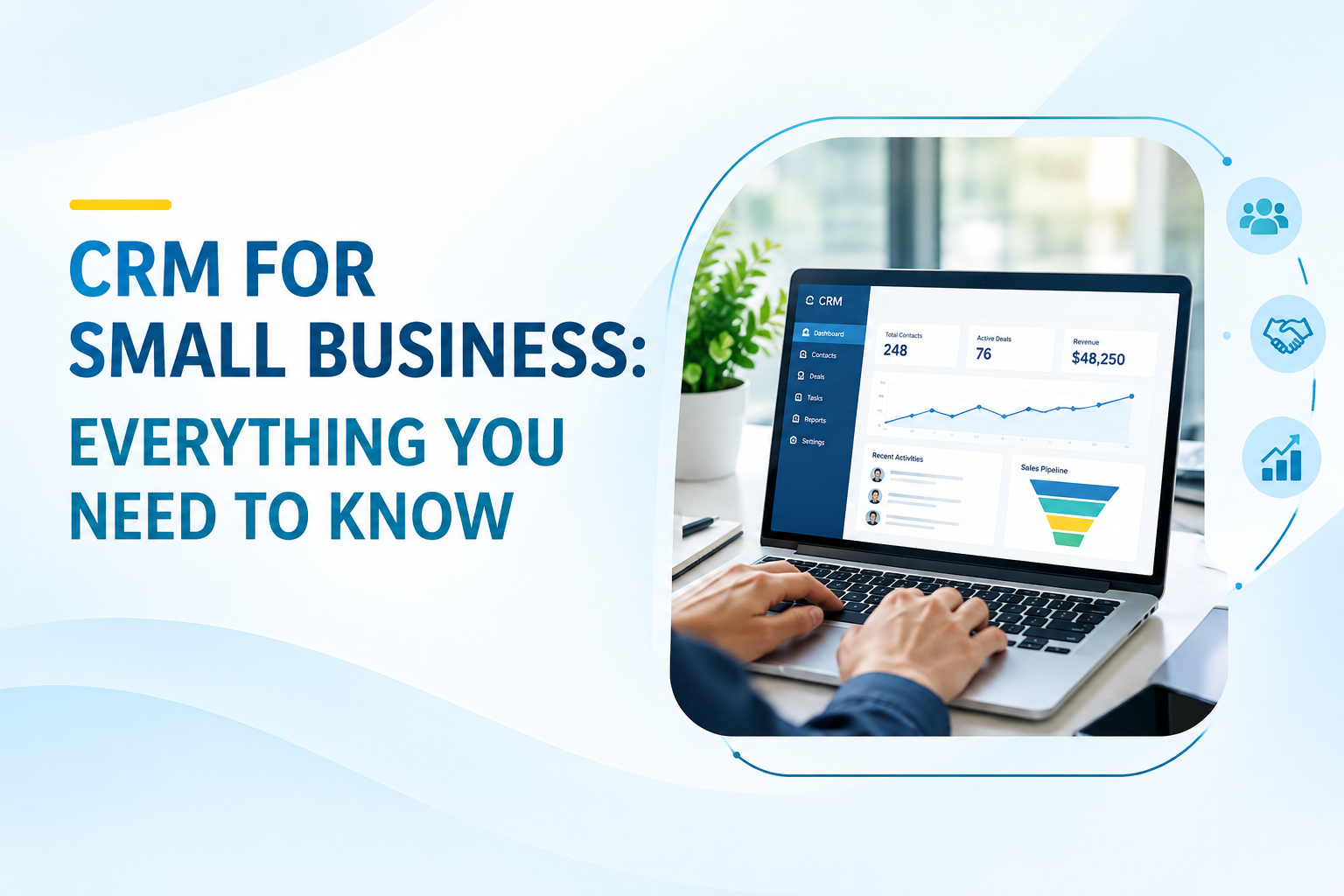
A decent crm system for small business really just needs to do a few things well. It should hold onto contact details, order history, and notes without you re-typing anything twice. It should show you where each lead sits in your sales process, not just that a lead "exists somewhere." And it should nudge you to follow up before the moment passes and you forget entirely.
That's the whole idea. Nothing more complicated than that.
Why Small Businesses Actually Need One
A lot of owners assume CRM software is only for big sales teams with quotas and dashboards. That stopped being true a while ago.
For one, leads die from silence. Most deals aren't lost because the product was wrong - they're lost because nobody followed up in time. A CRM catches that with automatic reminders, so a lead doesn't just quietly go cold.
There's also the team problem. If two employees end up talking to the same customer without knowing it, you get repeated questions and an annoyed customer. A shared CRM means everyone sees the same notes, the same history, no guesswork.
And then there's the guessing itself. Without data, you're basically deciding which product sells best based on vibes. A CRM replaces that with actual numbers - who bought what, when, and how often they come back.
For businesses in India, there's an extra wrinkle worth mentioning. A lot of customers reach out through WhatsApp, a phone call, or a friend's referral - not a neat contact form. A crm for small business india setup needs to work with that reality instead of forcing every lead through a rigid, Western-style sales funnel that doesn't match how people actually buy here.
What to Look For in CRM Software
Not every CRM fits every business, so before you settle on the best crm for small business for your situation, a few things are worth checking.
Setup should feel obvious, not like homework. If your team needs a two-week training course just to log a single lead, walk away - that's a sign of bad design, not a serious tool.
You also want a pipeline you can actually see. New inquiry, follow-up sent, quote shared, deal closed - laid out clearly enough that nothing slips through unnoticed.
Automated follow-up reminders matter more than people expect. Set the reminder once and let the system do the nagging instead of your memory. This one feature alone tends to justify the subscription cost.
Check whether it talks to the tools you already use - billing, invoicing, or accounting software like Tally or Excel. Syncing that data automatically saves hours you'd otherwise spend copy-pasting numbers between apps.
Mobile access isn't optional anymore either. Most small business owners aren't glued to a desk all day, so being able to check a lead from your phone, between errands or on the shop floor, matters more than a shiny desktop dashboard nobody opens.
And don't underestimate support. When something breaks, you want a real person on the other end who understands your business, not a ticket number that sits unanswered for three days. This matters even more with crm software for small business in india, where regional language support and GST-ready invoicing genuinely make the day-to-day easier.
CRM vs Spreadsheets: A Quick Reality Check
"Why not just stick to Excel?" Fair question, and worth answering honestly.
Excel is fine for storing data. It won't remind you to follow up though. It won't show your team the same updated information at the same time. And it definitely won't send an invoice or track whether a payment came through.
A real crm tools for small business setup replaces five scattered habits - notebooks, spreadsheets, WhatsApp screenshots, sticky notes, and plain memory - with one system that everyone trusts and actually checks.
How Insidash Fits Into This
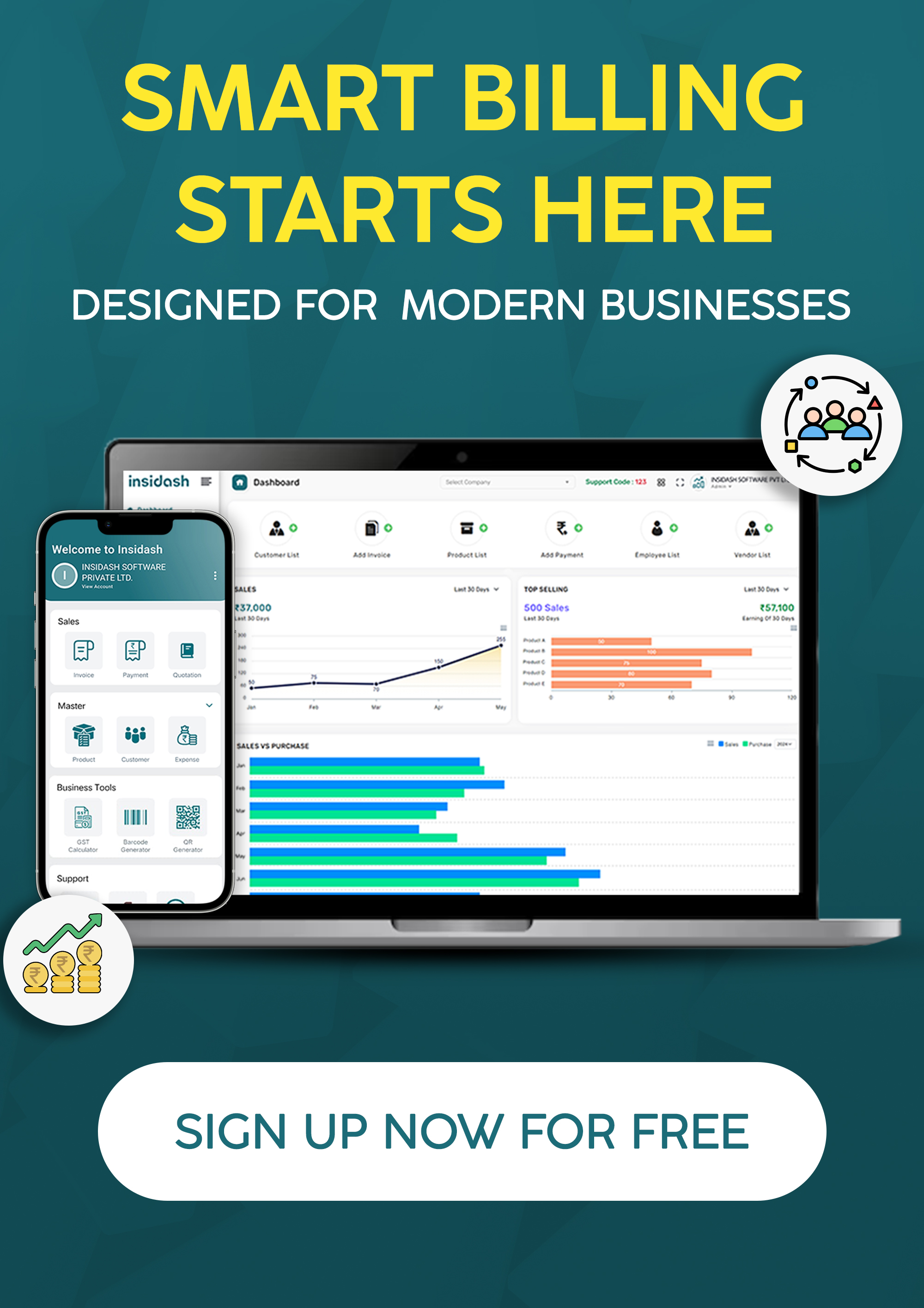
This is roughly where Insidash comes into the picture. It bundles billing, invoicing, GST tracking, and a built-in CRM into a single dashboard, so you're not switching between four different apps just to close one sale.
For small business owners in Gujarat and elsewhere in India, that means fewer tabs open, fewer missed follow-ups, and one continuous thread from the first inquiry all the way to the final invoice.
Choosing the Best CRM for Your Business Size
If you're a solo founder or running things with one other person, keep it light. You don't need automation heavy enough for a call center - just solid contact storage and reminders that actually fire on time.
Somewhere between five and twenty people, the priority shifts. You want pipeline visibility and permission controls, so your sales team can update a lead without stumbling into financial data they shouldn't see.
Past twenty employees, integrations start to matter a lot more. At that scale, a best crm system for small business needs to talk to your accounting software, your marketing tools, and whatever you use for customer support - because manual handoffs between systems start costing real time.
Final Thoughts
A CRM won't replace your instincts as a business owner. What it does is hand those instincts better information to work with.
Start small. Choose something that fits how you already operate, not a tool that demands you rebuild your whole process overnight. Whether you test five different platforms or land on the first one that feels right, the goal doesn't change: stop losing customers to a follow-up that never happened.
If you'd rather see this in action than read about it, book a free demo with Insidash and take a look at how billing, invoicing, and customer tracking sit together on one screen.
FAQs
1. What is the best CRM for small business in India?
It depends on how your business runs day to day, but the strongest options pair lead tracking with GST-ready billing and regional language support. Insidash brings this together in one dashboard, built with Indian small businesses in mind rather than adapted from a global template.
2. Is CRM software expensive for small businesses?
Not really. A lot of CRM tools for small business start at a few hundred rupees a month. Compare that to what a single lost lead or missed follow-up actually costs you, and the subscription usually looks cheap by comparison.
3. Can a small business survive without a CRM?
For a while, sure - especially with a handful of customers you can keep in your head. But once the customer base grows past a few dozen, manual tracking gets shaky fast. Most owners switch over the moment follow-ups start slipping.
4. What features should I check before buying a CRM system for small business?
Simple setup, a visible lead pipeline, automated follow-up reminders, mobile access, and integration with whatever billing or accounting tool you're already using. Don't skip checking on local support either.
5. Does CRM software help with customer retention?
It does. Having a full history of past conversations means every follow-up sounds like it's coming from someone who remembers you, not a cold script. Over time, that difference is what keeps customers coming back.